
Amazing Ready Documentation Layouts
Use any of these free or pro, ready documentation layouts and make your knowledge base stunning right away
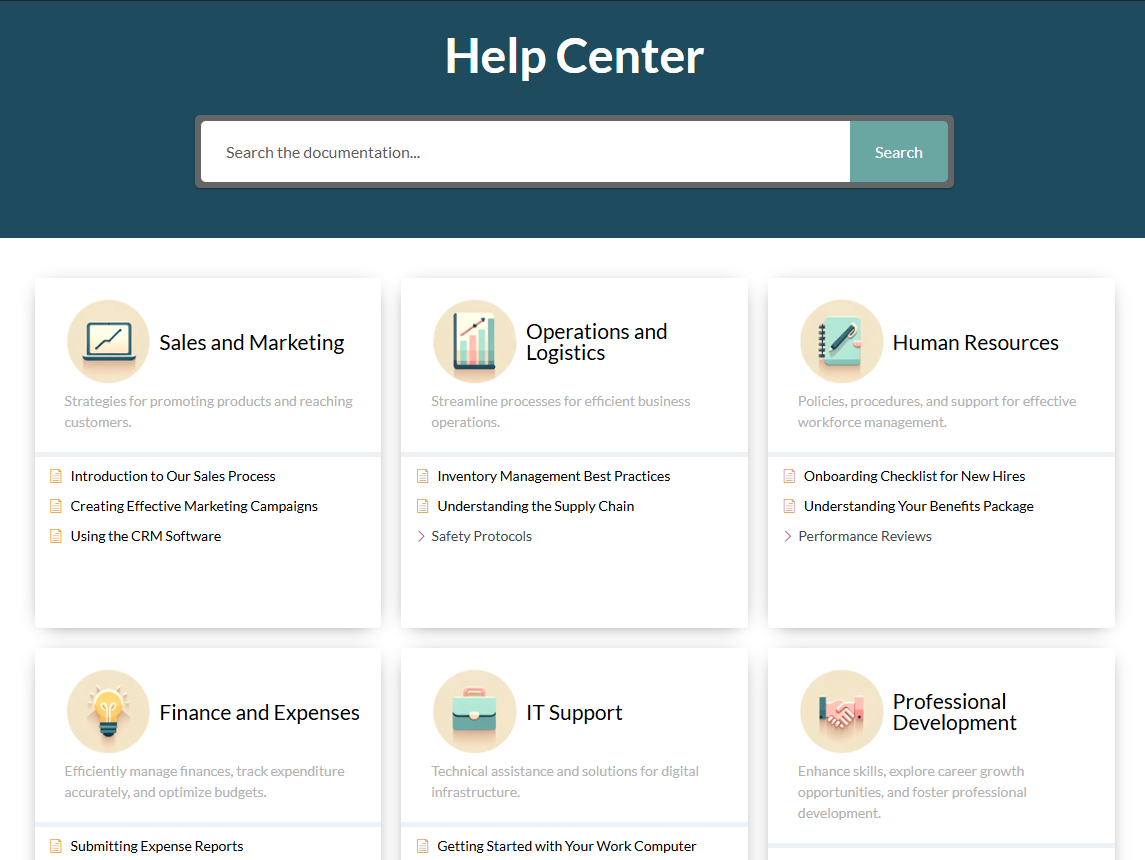
Basic Layout
Intuitive icon-based layout that lets visitors instantly identify categories and jump into articles.
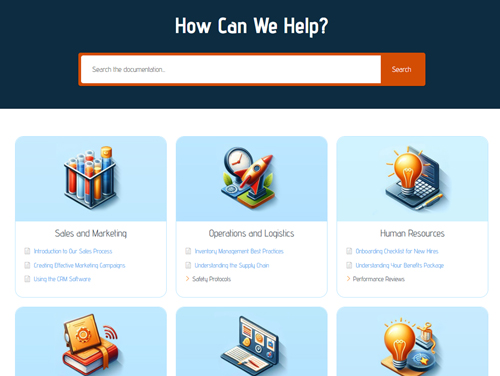
Basic Layout
Adds colored icon backgrounds for a more visual look while keeping navigation straightforward.
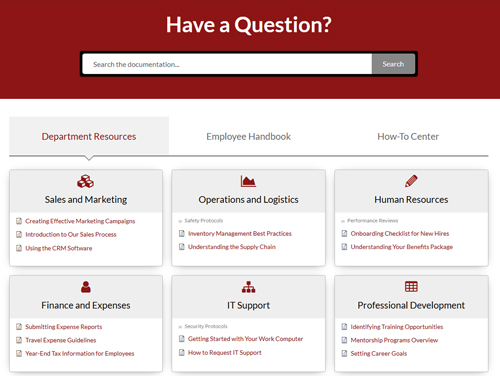
Tabs Layout
Organizes categories into tabs ideal for large knowledge bases needing clear, separate sections.
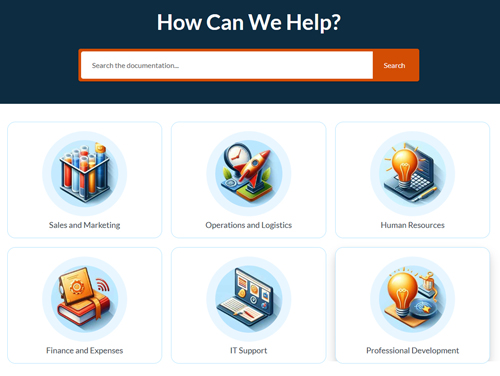
Drill Down Layout
Shows only top-level categories first; users click to drill deeper, staying focused on one section.
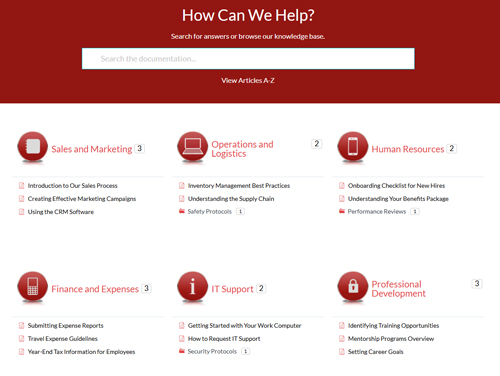
Category Layout
Basic layout with an article counter and sub-category links that lead to each category’s archive.
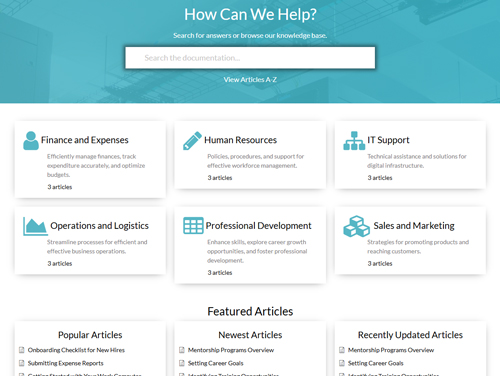
Grid Layout
Highlights top categories in a neat grid; link directly to articles or to full category archives.

Grid Layout
Highlights top categories in a neat grid; link directly to articles or to full category archives.
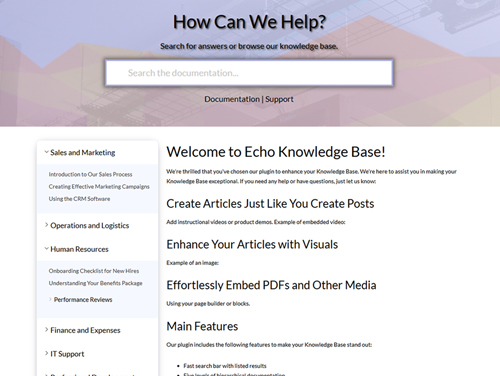
Sidebar Layout
Replicates your article page sidebar on the main page for a seamless, consistent reading experience.
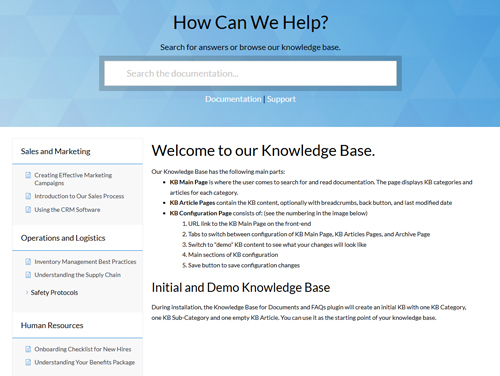
Sidebar Layout
Replicates your article page sidebar on the main page for a seamless, consistent reading experience.
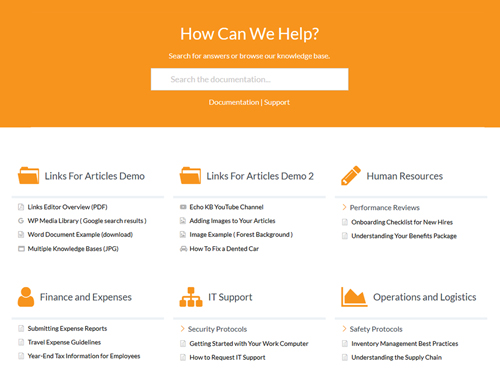
Links And More Layout
Uses the Basic layout plus “Linked Articles” to surface PDFs, external sites, or any custom URL.
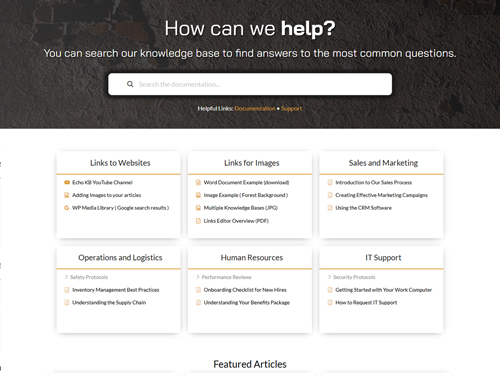
Links And More Layout
Uses the Basic layout plus “Linked Articles” to surface PDFs, external sites, or any custom URL.
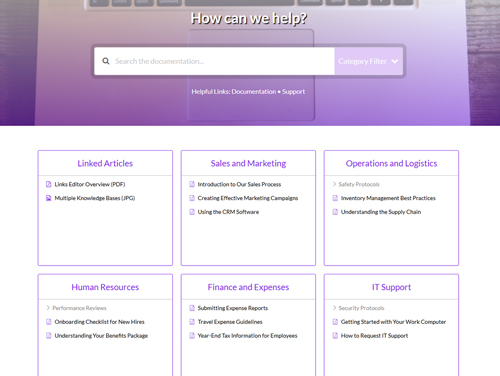
Search Filter Layout
Pairs the Basic layout with Advanced Search filters so users can search within a chosen category.
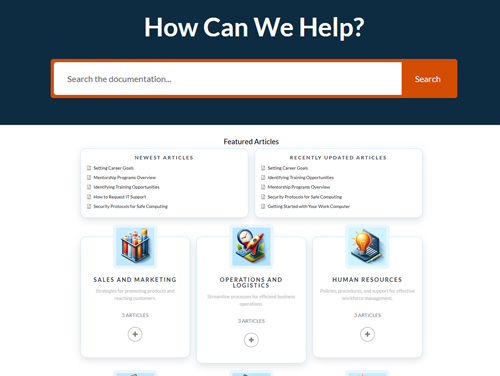
Classic Layout
A collapsible version of Basic: categories stay closed until clicked, reducing on-page clutter.
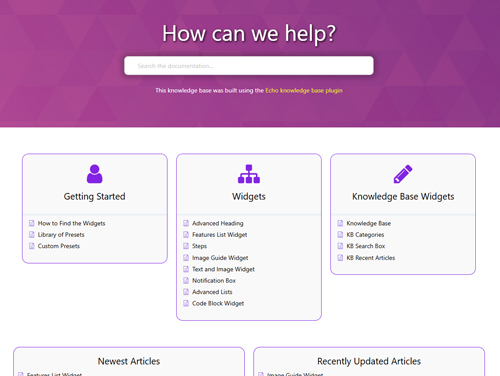
Elementor Base Layout
Build the main page with Elementor widgets, arranging components exactly how you want them shown.
No Risk guarantee
Do You Want To Save
Money?
You can save by choosing a bundle. It gives you access to more features at a lower price compared to buying them individually more functionality, better value.